Certificate in KeyShot Rendering: Mastering the Essentials
-- viewing nowThe Certificate in KeyShot Rendering: Mastering the Essentials is a comprehensive course designed to equip learners with the fundamental skills required for professional-level 3D rendering. This course is critical for individuals seeking to enhance their visualization capabilities and boost their career prospects in product design, architecture, engineering, and marketing industries.
4,790+
Students enrolled
GBP £ 140
GBP £ 202
Save 44% with our special offer
About this course
100% online
Learn from anywhere
Shareable certificate
Add to your LinkedIn profile
2 months to complete
at 2-3 hours a week
Start anytime
No waiting period
Course Details
• Introduction to KeyShot Rendering: Understanding the Basics
• Setting Up KeyShot: Software Installation and Licensing
• KeyShot User Interface: Navigation and Customization
• Importing and Preparing Models for Rendering
• Materials and Textures: Creation and Assignment
• Lighting Techniques: Creating Realistic and Stylized Scenes
• Camera Setup: Framing, Focus, and Depth of Field
• Render Settings: Quality, Resolution, and Output Options
• Post-Processing Techniques: Adjusting and Enhancing Render Outputs
• KeyShot Workflow Optimization: Tips and Best Practices
Career Path
Entry Requirements
- Basic understanding of the subject matter
- Proficiency in English language
- Computer and internet access
- Basic computer skills
- Dedication to complete the course
No prior formal qualifications required. Course designed for accessibility.
Course Status
This course provides practical knowledge and skills for professional development. It is:
- Not accredited by a recognized body
- Not regulated by an authorized institution
- Complementary to formal qualifications
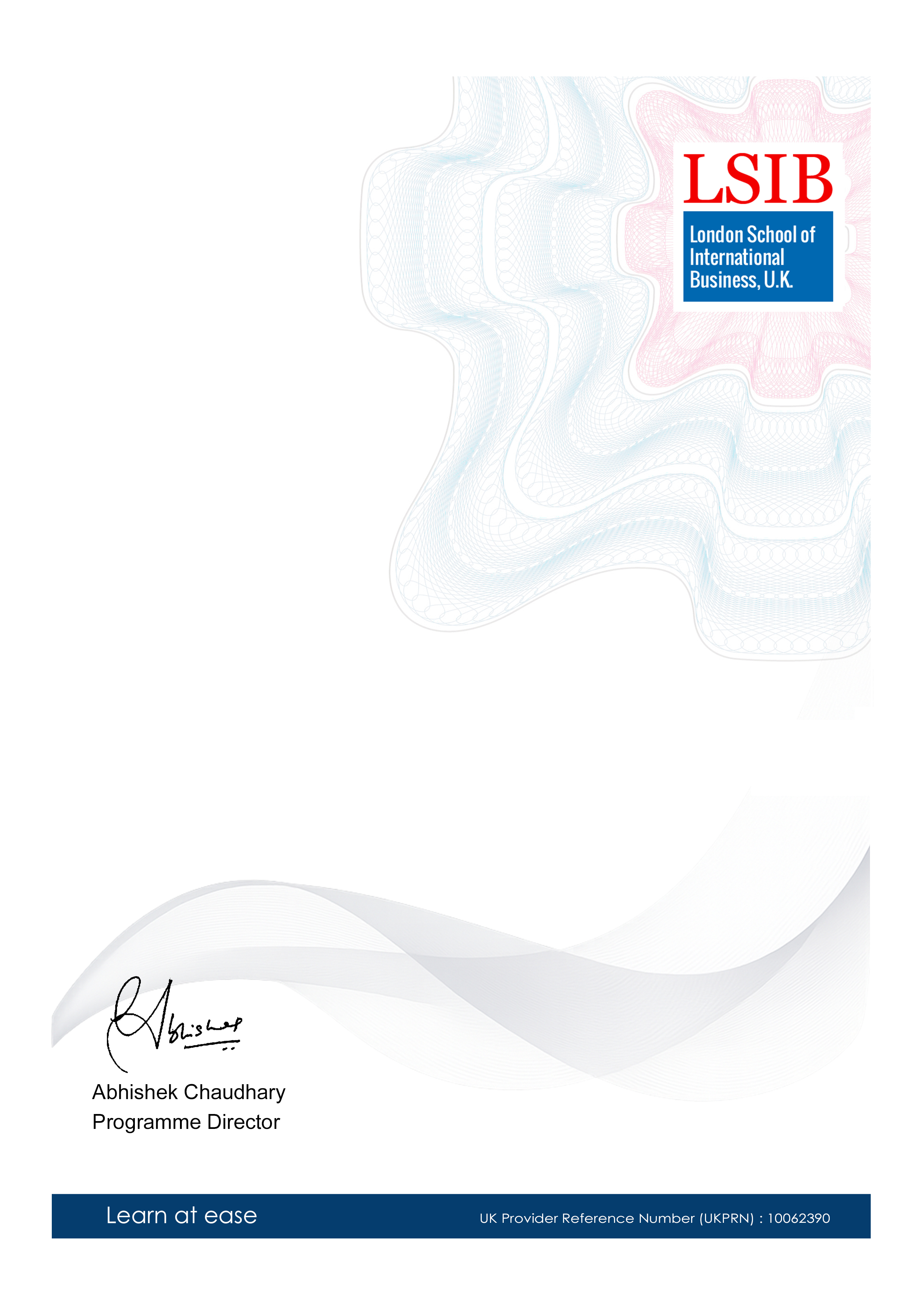
You'll receive a certificate of completion upon successfully finishing the course.
Why people choose us for their career
Loading reviews...
Frequently Asked Questions
Course fee
- 3-4 hours per week
- Early certificate delivery
- Open enrollment - start anytime
- 2-3 hours per week
- Regular certificate delivery
- Open enrollment - start anytime
- Full course access
- Digital certificate
- Course materials
Get course information
Earn a career certificate